355 functions. Always within reach. Made for the field
A camera like the Sony α7R VI can do almost anything. But there is one thing it won’t tell you: where the function you need right now is hidden, what it is called and which setting really makes sense in the field. By the time you have worked it out, the animal is often gone.
In the “Sony A7R VI Function Finder” I guide you through every menu function of your camera, starting from your goal instead of the menu. At home at your desk you can look up any setting at your leisure. In the field, seconds often count. That is when you need to know which button to press instead of scrolling through the menu.
Why this eBook?
My name is Marco Bügel. I am a professional wildlife photographer, and I plan and lead exclusive photo safaris to Africa and Asia. For years I have been passing on my photographic craft to other photographers, in courses, coaching sessions and above all on shared photo tours. Again and again I see the same thing: the camera could already do what was needed. All that was missing was the path from the problem to the right function.
With the α7R VI there is one more question that the manual only answers in scattered places: when do you get 14-bit RAW, and when does the camera recalculate focus and exposure up to 60 times per second? With the electronic shutter you have to choose. With the mechanical shutter at 10 fps you get both. The book gives you the answer in one clear overview, together with my setting for the kingfisher at the perch.
That is exactly where this Function Finder comes in. Online you will find three opinions on every question, often about an older model. The manual only helps once you already know the name of the function, because it is sorted by menus, not by your problem. In this book you simply start with “I want to …”. You benefit directly from my experience in the field. For many functions I show you how I use them myself, on safari, at the feeding station and in the hide.
The book has four parts, each with its own way in. The Problem Finder starts from your goal. The Function Reference follows your camera menu tab by tab. The Menu Map decodes the abbreviations on the screen. In the index you will find every term from A to Z. On top of that come four ready-made wildlife setups that you can save directly to positions 1 and 2 on the mode dial and to sets MR3 to MR10. One principle runs through the whole book: the technology should serve you, not stand between you and the moment.
What you get in this field guide:
• 83 questions from the field: “The focus jumps to the branch”, “the burst stalls”, “I want 14-bit RAW”. Each question leads you to the matching function, with its page number.
• 355 functions in plain English: For every function you get the exact menu path, the default setting and the modes in which it is available.
• 14 bit or 60 AF/AE at a glance: A matrix shows you which RAW file type with which shutter delivers which color depth, burst rate and number of AF/AE calculations.
• All 329 menu items decoded: You understand at a glance what is behind abbreviations such as “Cnt Sht Spd Bst Settings”.
• My settings from the field: Honest tips from safaris, hides and photo tours, so you don’t have to take the same detours I did.
• Four wildlife quick setups: Bird in flight, silent at the hide, game drive in the safari vehicle and handheld safari video.
• Up to date with firmware 1.02: The new features are included, for example the focus preset that now also works with lenses without power zoom.
• Search with your own words: 2090 search terms, from Sony labels to everyday words such as “back button focus”, “burst” or “hot pixels”.
Product details:
• Format: Digital PDF, fully searchable and linked throughout, usable offline on smartphone, tablet and monitor
• Length: 145 pages of field knowledge with thumb tabs for quick orientation
• Camera: Sony α7R VI (ILCE-7RM6), firmware 1.02
• Author: Marco Bügel (photo guide, founder and owner of Wild & Untamed Photography)
More courses and eBooks: www.wilduntamed.com/fotokurse-ebooks
The next big moment won’t wait until you have found the right setting. Be ready for it this time.
355 functions. Always within reach. Made for the field
A camera like the Sony α7R VI can do almost anything. But there is one thing it won’t tell you: where the function you need right now is hidden, what it is called and which setting really makes sense in the field. By the time you have worked it out, the animal is often gone.
In the “Sony A7R VI Function Finder” I guide you through every menu function of your camera, starting from your goal instead of the menu. At home at your desk you can look up any setting at your leisure. In the field, seconds often count. That is when you need to know which button to press instead of scrolling through the menu.
Why this eBook?
My name is Marco Bügel. I am a professional wildlife photographer, and I plan and lead exclusive photo safaris to Africa and Asia. For years I have been passing on my photographic craft to other photographers, in courses, coaching sessions and above all on shared photo tours. Again and again I see the same thing: the camera could already do what was needed. All that was missing was the path from the problem to the right function.
With the α7R VI there is one more question that the manual only answers in scattered places: when do you get 14-bit RAW, and when does the camera recalculate focus and exposure up to 60 times per second? With the electronic shutter you have to choose. With the mechanical shutter at 10 fps you get both. The book gives you the answer in one clear overview, together with my setting for the kingfisher at the perch.
That is exactly where this Function Finder comes in. Online you will find three opinions on every question, often about an older model. The manual only helps once you already know the name of the function, because it is sorted by menus, not by your problem. In this book you simply start with “I want to …”. You benefit directly from my experience in the field. For many functions I show you how I use them myself, on safari, at the feeding station and in the hide.
The book has four parts, each with its own way in. The Problem Finder starts from your goal. The Function Reference follows your camera menu tab by tab. The Menu Map decodes the abbreviations on the screen. In the index you will find every term from A to Z. On top of that come four ready-made wildlife setups that you can save directly to positions 1 and 2 on the mode dial and to sets MR3 to MR10. One principle runs through the whole book: the technology should serve you, not stand between you and the moment.
What you get in this field guide:
• 83 questions from the field: “The focus jumps to the branch”, “the burst stalls”, “I want 14-bit RAW”. Each question leads you to the matching function, with its page number.
• 355 functions in plain English: For every function you get the exact menu path, the default setting and the modes in which it is available.
• 14 bit or 60 AF/AE at a glance: A matrix shows you which RAW file type with which shutter delivers which color depth, burst rate and number of AF/AE calculations.
• All 329 menu items decoded: You understand at a glance what is behind abbreviations such as “Cnt Sht Spd Bst Settings”.
• My settings from the field: Honest tips from safaris, hides and photo tours, so you don’t have to take the same detours I did.
• Four wildlife quick setups: Bird in flight, silent at the hide, game drive in the safari vehicle and handheld safari video.
• Up to date with firmware 1.02: The new features are included, for example the focus preset that now also works with lenses without power zoom.
• Search with your own words: 2090 search terms, from Sony labels to everyday words such as “back button focus”, “burst” or “hot pixels”.
Product details:
• Format: Digital PDF, fully searchable and linked throughout, usable offline on smartphone, tablet and monitor
• Length: 145 pages of field knowledge with thumb tabs for quick orientation
• Camera: Sony α7R VI (ILCE-7RM6), firmware 1.02
• Author: Marco Bügel (photo guide, founder and owner of Wild & Untamed Photography)
More courses and eBooks: www.wilduntamed.com/fotokurse-ebooks
The next big moment won’t wait until you have found the right setting. Be ready for it this time.

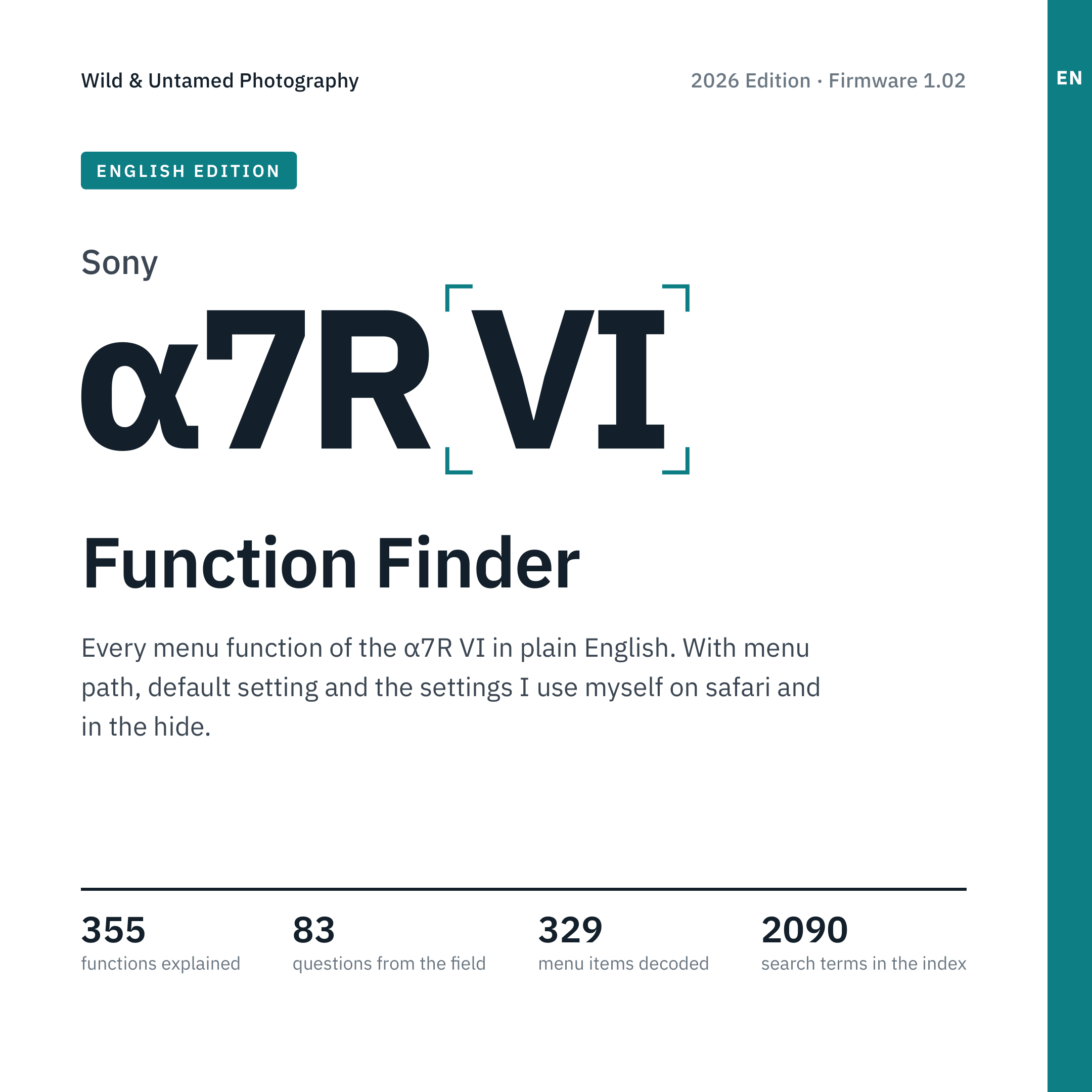 Bild 1 von 7
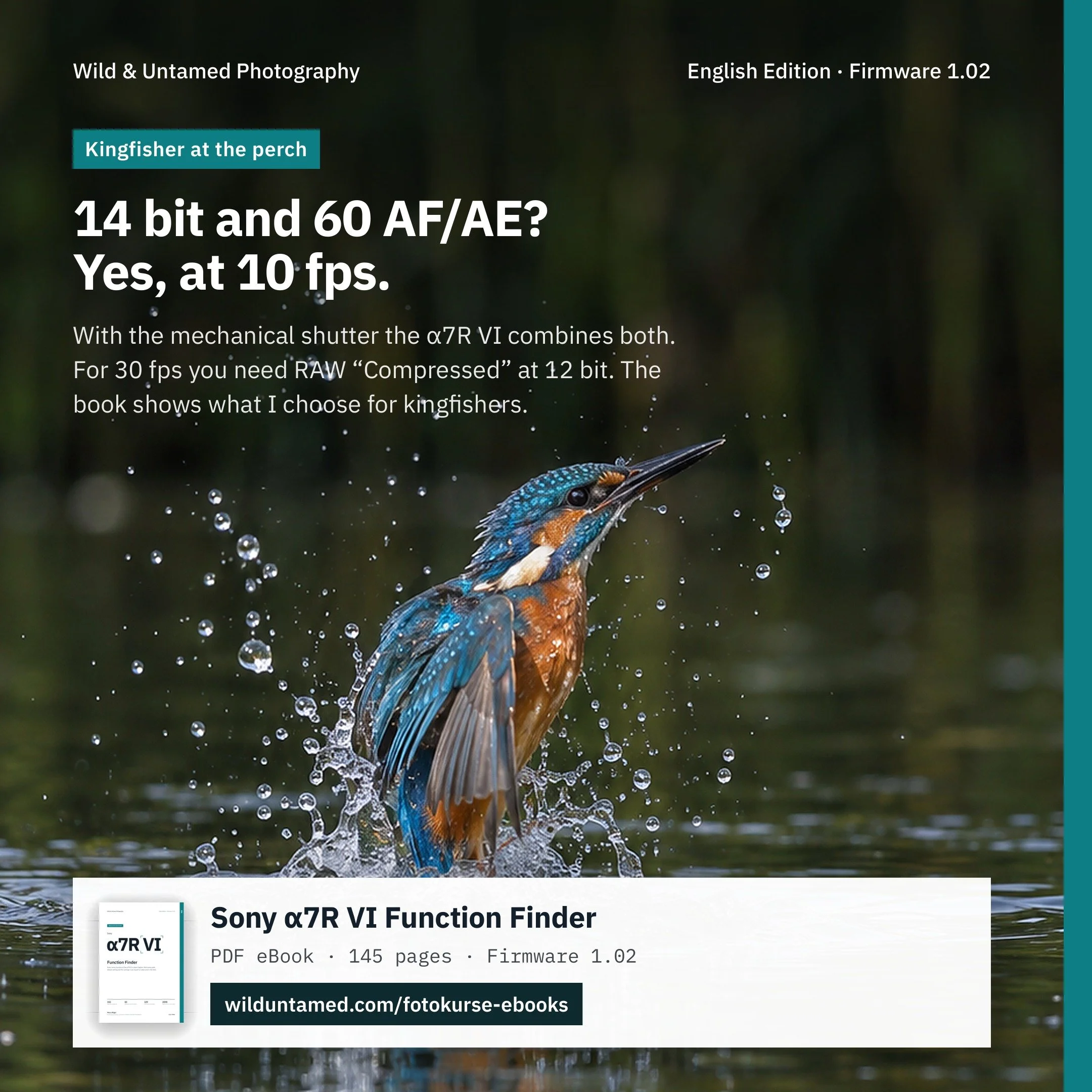 Bild 2 von 7
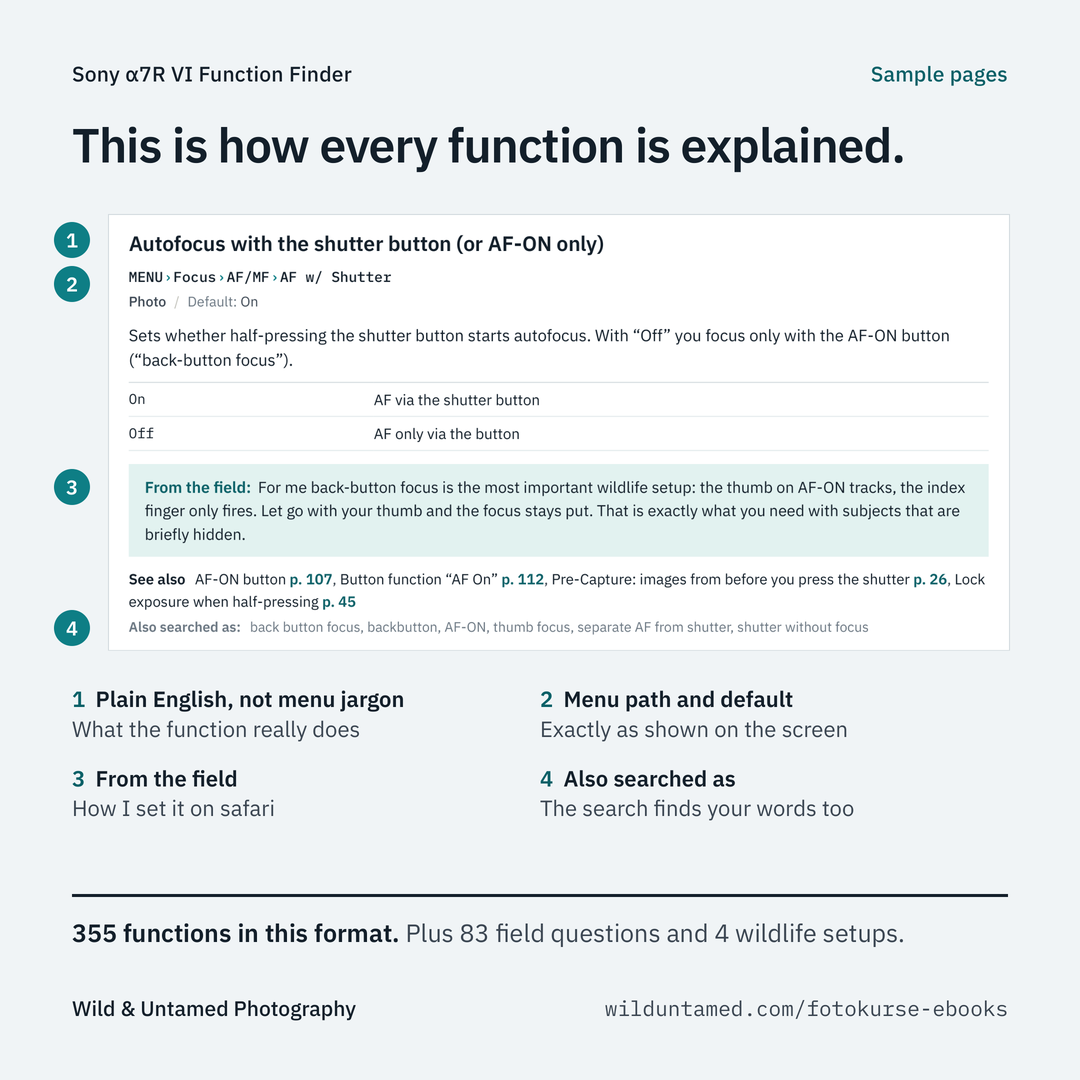 Bild 3 von 7
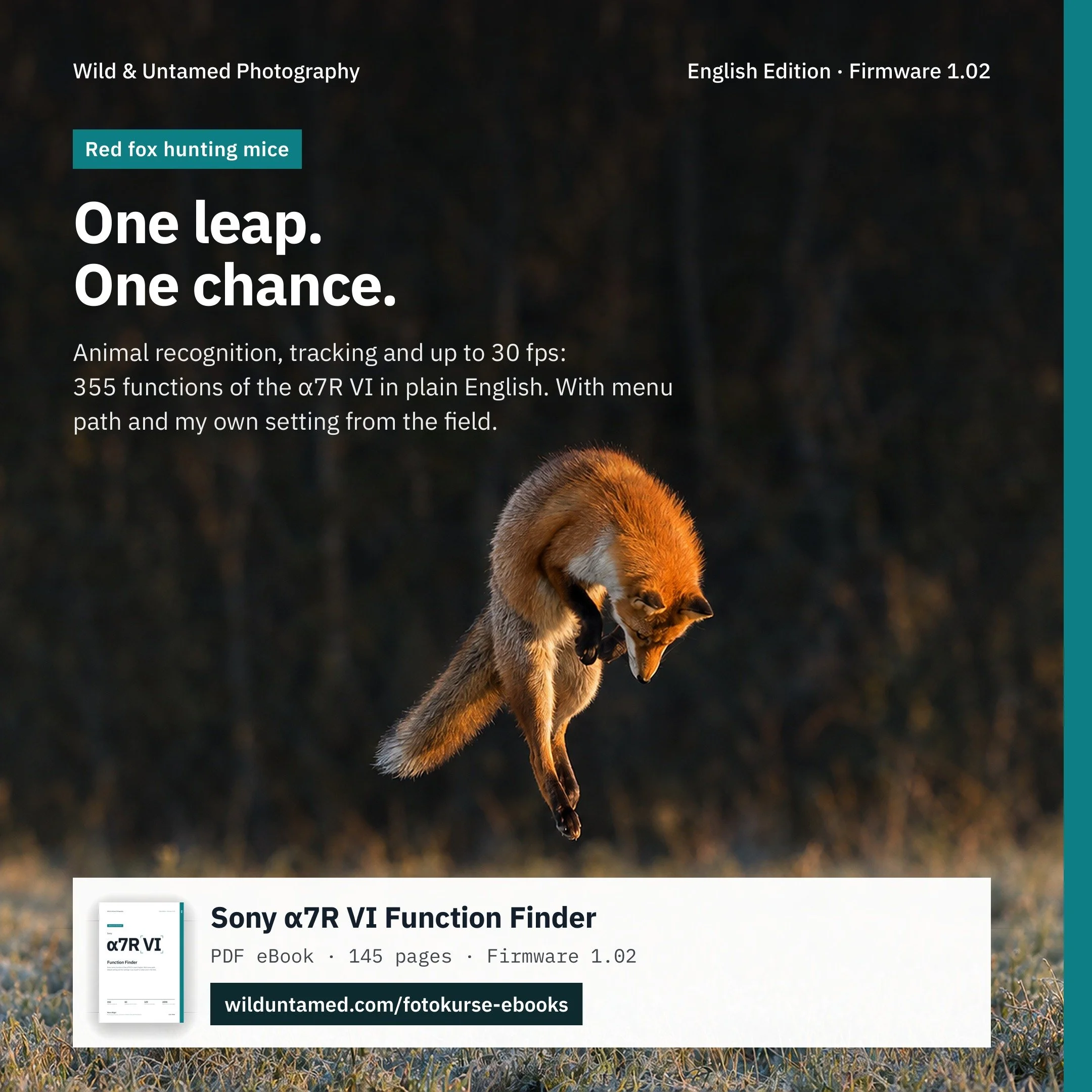 Bild 4 von 7
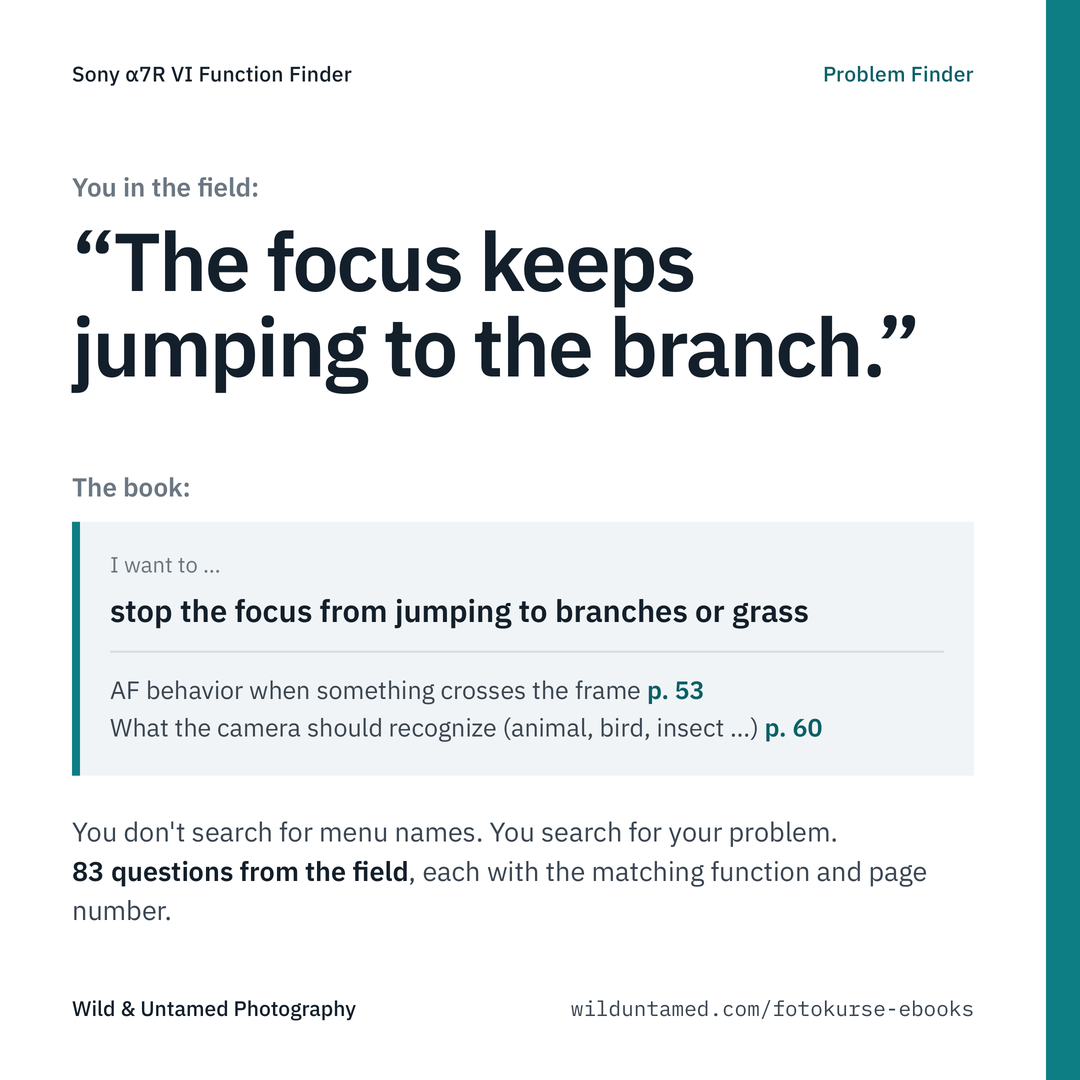 Bild 5 von 7
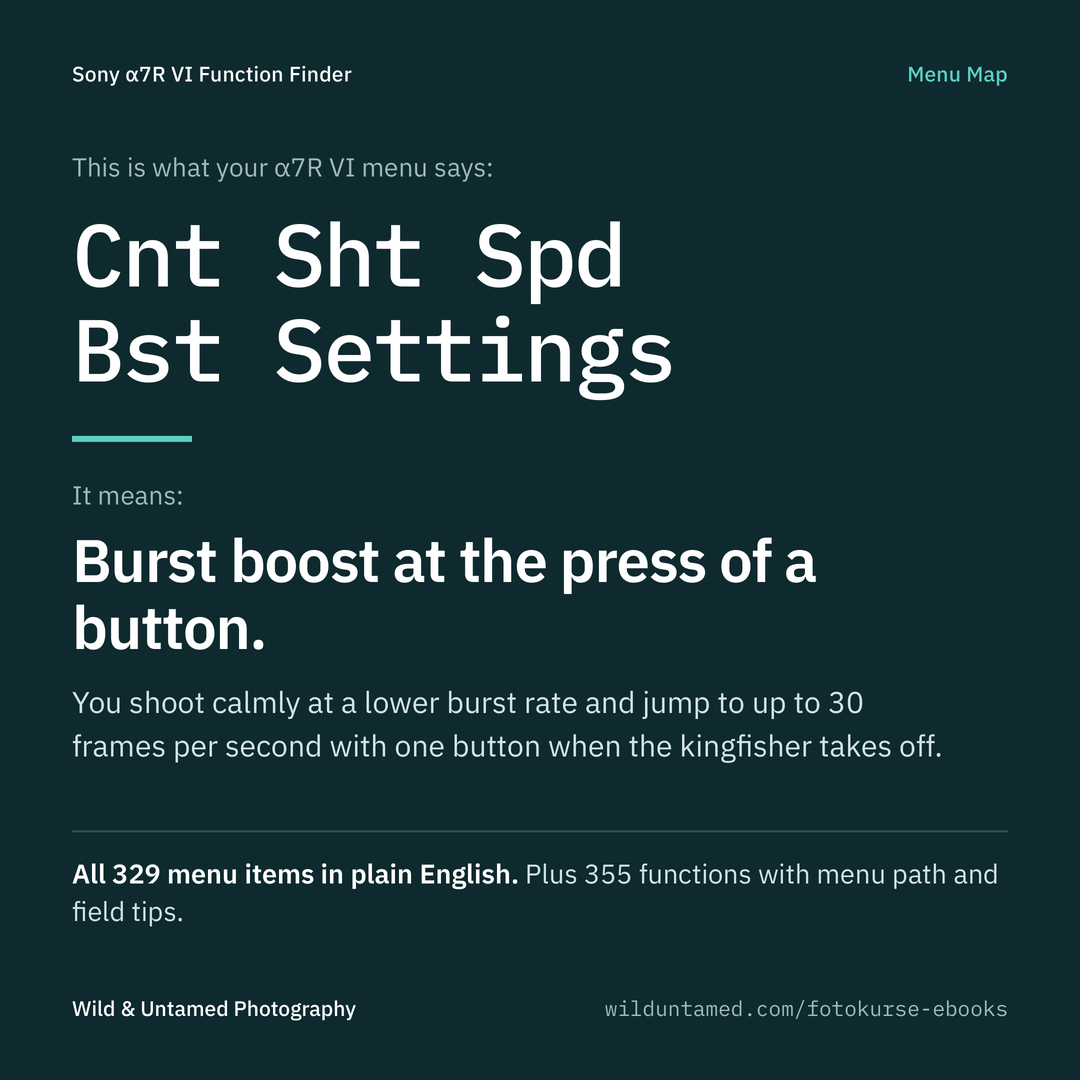 Bild 6 von 7
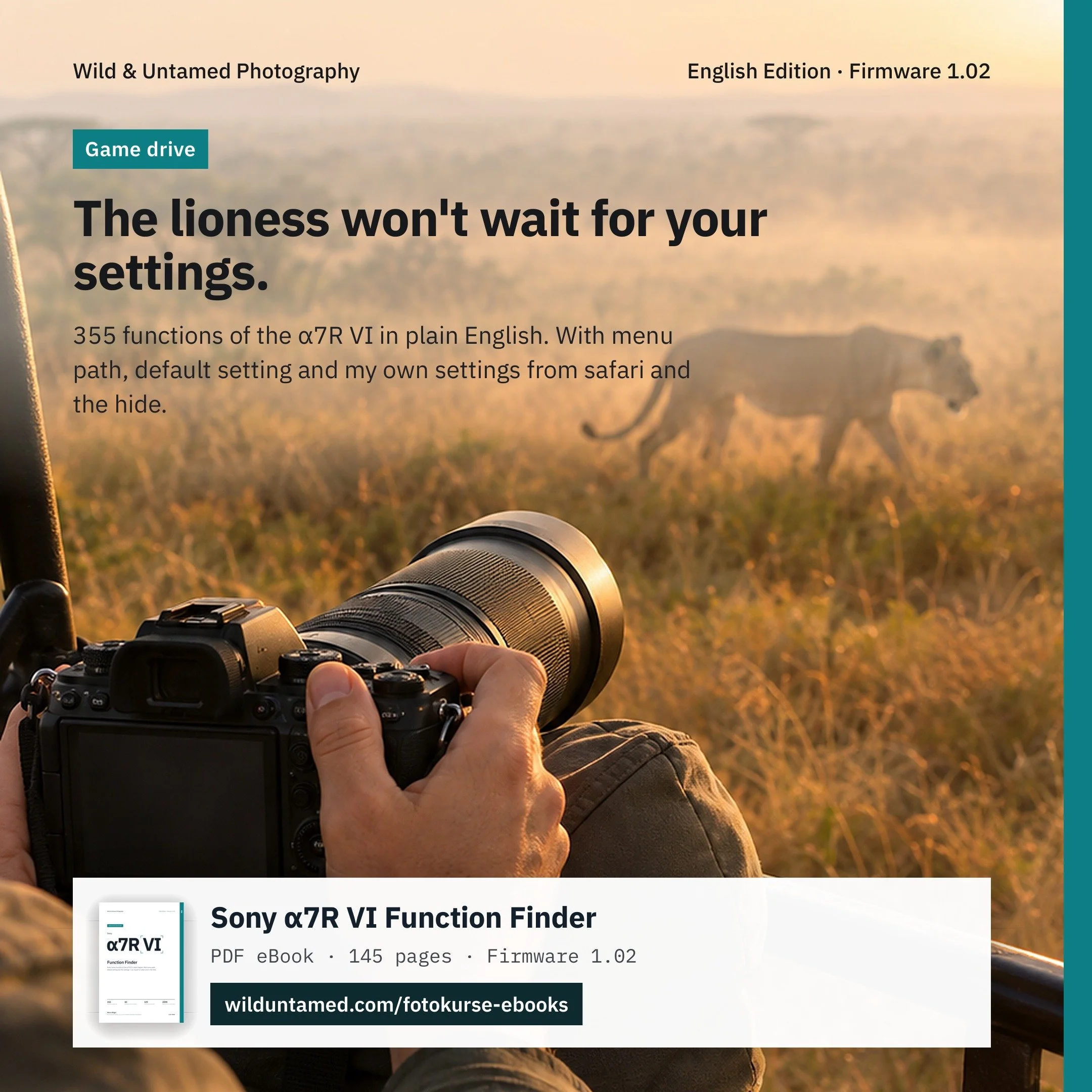 Bild 7 von 7