351 functions. Two cameras. One grip. Built for the field.
Cameras like the Sony α1 II and the α9 III can do almost anything. But there is one thing they won’t tell you: where the function you need right now is hidden, what it is called, and which setting actually makes sense in the field. By the time you have worked that out, the animal is often gone.
In the «Sony A1 II & A9 III Function Finder», I guide you through every menu function of both cameras, starting from your goal rather than from the menu. At home at your desk, you can look up any setting at your leisure. In the field, seconds often count. That is when you need to know which button to press, not leaf through the menu.
Why this eBook?
My name is Marco Bügel. I am a professional wildlife photographer, and I plan and lead exclusive photo safaris to Africa and Asia. For years, I have been passing on my craft to other photographers in courses, coaching sessions and, above all, on our photo tours together. Time and again, I see the same thing: the camera can already do what is needed. What was missing was the path from the problem to the right function.
With the α1 II and the α9 III, there is one more question, and the manual only answers it separately for each camera: does this function even apply to my camera, and with which values? Both share the same body, the same buttons and almost the entire menu. Yet the α9 III, with its global shutter, reaches up to 120 frames per second, while the α1 II offers high resolution, 8K video and the choice between mechanical and electronic shutter. In the book, every entry shows you at a glance whether it applies to your camera. Wherever values differ, for example burst rate, ISO range or Pre-Capture time span, a small table shows both cameras side by side.
This is exactly where this Function Finder comes in. Online, you will find three opinions on every question, often about an older model. The manual only helps once you already know the name of the function, because it is sorted by menu, not by your problem. In this book, you simply start with «I want to …». You benefit directly from my experience in the field. For many functions, I show you how I use them myself: on safari, at the hide and in the blind.
The book has four parts, each offering its own way in. The Problem Finder starts from your goal. The Function Reference follows your camera menu tab by tab. The Menu Map decodes the abbreviations on the display. The index lists every term from A to Z. On top of that, you get four ready-made wildlife setups. Three of them can be assigned directly to positions 1, 2 and 3 on the mode dial. One principle runs through the entire book: technology should serve you, not stand between you and the moment.
What you can expect from this field guide:
· 84 questions from the field: «The focus jumps to the branch», «I want images from before I pressed the shutter», «the burst stalls». Each question leads you to the right function, including the page number.
· 351 functions in plain English: Every function comes with its exact menu path, default setting and the modes in which it is available.
· Every difference marked: Badges for «α1 II only» and «α9 III only», comparison tables wherever values differ, and an overview of the key differences right at the start.
· All 320 menu items decoded: You will understand at a glance what abbreviations like «Recog Trgt Select Set» or «Cnt Sht Spd Bst Settings» stand for.
· My settings from the field: Honest tips from safaris, hides and photo tours, so you don’t have to take the same detours.
· Four wildlife quick setups: Bird in flight, silent at the hide and in the blind, game drive in the safari vehicle and handheld safari video, each with the values for both cameras.
· Up to date with firmware 4.00: All new features are covered for both cameras, for example the «Auto» recognition target, which the α9 III has only had since this version.
· Search in your own words: 2,080 search terms, from Sony terminology to everyday words like «back-button focus», «burst» or «hot pixel».
Product details:
· Format: Digital PDF, fully searchable and linked throughout, usable offline on smartphone, tablet and monitor
· Length: 146 pages of field knowledge with thumb tabs for quick navigation
· Cameras: Sony α1 II (ILCE-1M2) and Sony α9 III (ILCE-9M3), both on firmware 4.00
· Author: Marco Bügel (photo guide, founder and owner of Wild & Untamed Photography)
More courses and eBooks: www.wilduntamed.com/fotokurse-ebooks
The next big moment won’t wait until you’ve found the right setting. Be ready for it this time.
351 functions. Two cameras. One grip. Built for the field.
Cameras like the Sony α1 II and the α9 III can do almost anything. But there is one thing they won’t tell you: where the function you need right now is hidden, what it is called, and which setting actually makes sense in the field. By the time you have worked that out, the animal is often gone.
In the «Sony A1 II & A9 III Function Finder», I guide you through every menu function of both cameras, starting from your goal rather than from the menu. At home at your desk, you can look up any setting at your leisure. In the field, seconds often count. That is when you need to know which button to press, not leaf through the menu.
Why this eBook?
My name is Marco Bügel. I am a professional wildlife photographer, and I plan and lead exclusive photo safaris to Africa and Asia. For years, I have been passing on my craft to other photographers in courses, coaching sessions and, above all, on our photo tours together. Time and again, I see the same thing: the camera can already do what is needed. What was missing was the path from the problem to the right function.
With the α1 II and the α9 III, there is one more question, and the manual only answers it separately for each camera: does this function even apply to my camera, and with which values? Both share the same body, the same buttons and almost the entire menu. Yet the α9 III, with its global shutter, reaches up to 120 frames per second, while the α1 II offers high resolution, 8K video and the choice between mechanical and electronic shutter. In the book, every entry shows you at a glance whether it applies to your camera. Wherever values differ, for example burst rate, ISO range or Pre-Capture time span, a small table shows both cameras side by side.
This is exactly where this Function Finder comes in. Online, you will find three opinions on every question, often about an older model. The manual only helps once you already know the name of the function, because it is sorted by menu, not by your problem. In this book, you simply start with «I want to …». You benefit directly from my experience in the field. For many functions, I show you how I use them myself: on safari, at the hide and in the blind.
The book has four parts, each offering its own way in. The Problem Finder starts from your goal. The Function Reference follows your camera menu tab by tab. The Menu Map decodes the abbreviations on the display. The index lists every term from A to Z. On top of that, you get four ready-made wildlife setups. Three of them can be assigned directly to positions 1, 2 and 3 on the mode dial. One principle runs through the entire book: technology should serve you, not stand between you and the moment.
What you can expect from this field guide:
· 84 questions from the field: «The focus jumps to the branch», «I want images from before I pressed the shutter», «the burst stalls». Each question leads you to the right function, including the page number.
· 351 functions in plain English: Every function comes with its exact menu path, default setting and the modes in which it is available.
· Every difference marked: Badges for «α1 II only» and «α9 III only», comparison tables wherever values differ, and an overview of the key differences right at the start.
· All 320 menu items decoded: You will understand at a glance what abbreviations like «Recog Trgt Select Set» or «Cnt Sht Spd Bst Settings» stand for.
· My settings from the field: Honest tips from safaris, hides and photo tours, so you don’t have to take the same detours.
· Four wildlife quick setups: Bird in flight, silent at the hide and in the blind, game drive in the safari vehicle and handheld safari video, each with the values for both cameras.
· Up to date with firmware 4.00: All new features are covered for both cameras, for example the «Auto» recognition target, which the α9 III has only had since this version.
· Search in your own words: 2,080 search terms, from Sony terminology to everyday words like «back-button focus», «burst» or «hot pixel».
Product details:
· Format: Digital PDF, fully searchable and linked throughout, usable offline on smartphone, tablet and monitor
· Length: 146 pages of field knowledge with thumb tabs for quick navigation
· Cameras: Sony α1 II (ILCE-1M2) and Sony α9 III (ILCE-9M3), both on firmware 4.00
· Author: Marco Bügel (photo guide, founder and owner of Wild & Untamed Photography)
More courses and eBooks: www.wilduntamed.com/fotokurse-ebooks
The next big moment won’t wait until you’ve found the right setting. Be ready for it this time.

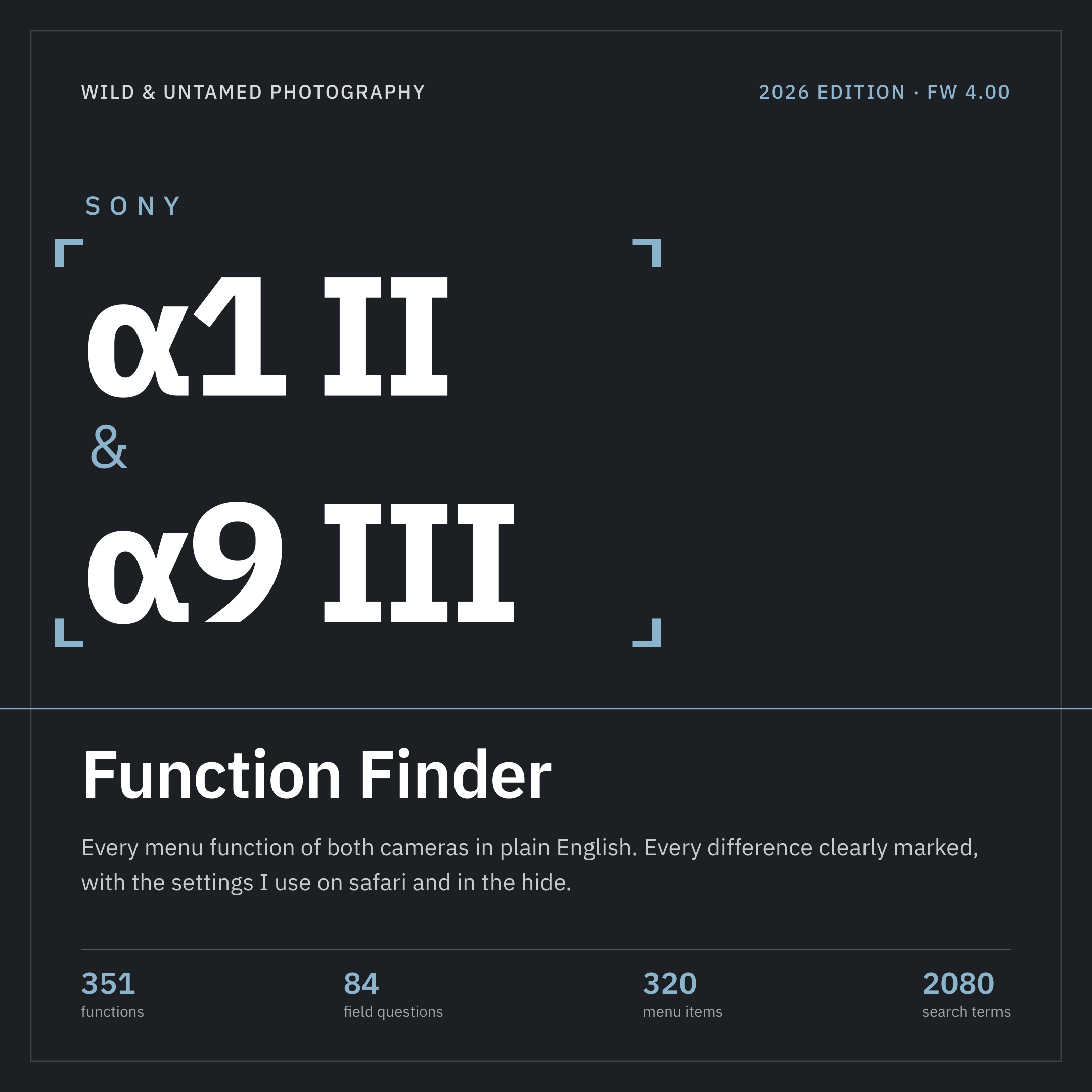 Bild 1 von 8
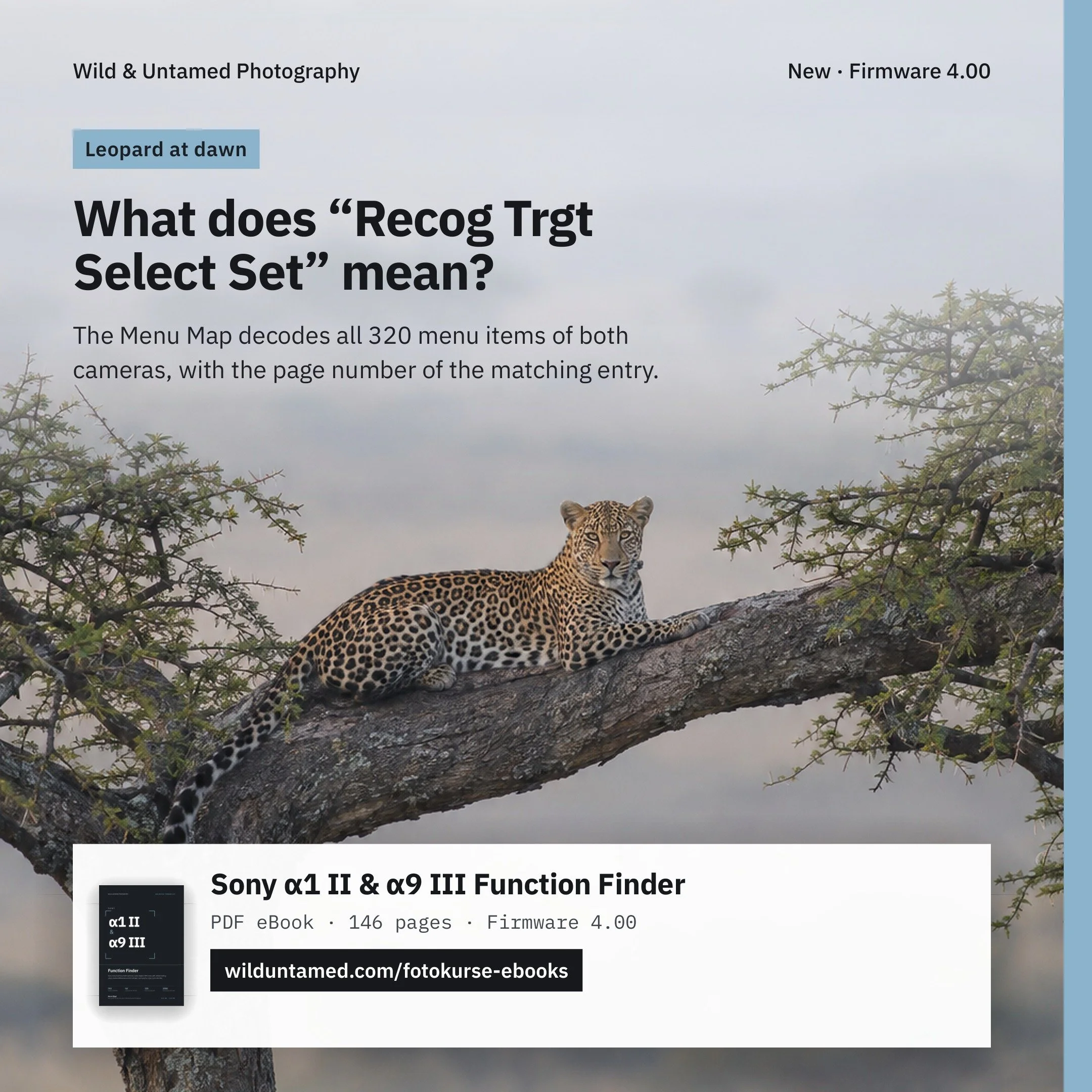 Bild 2 von 8
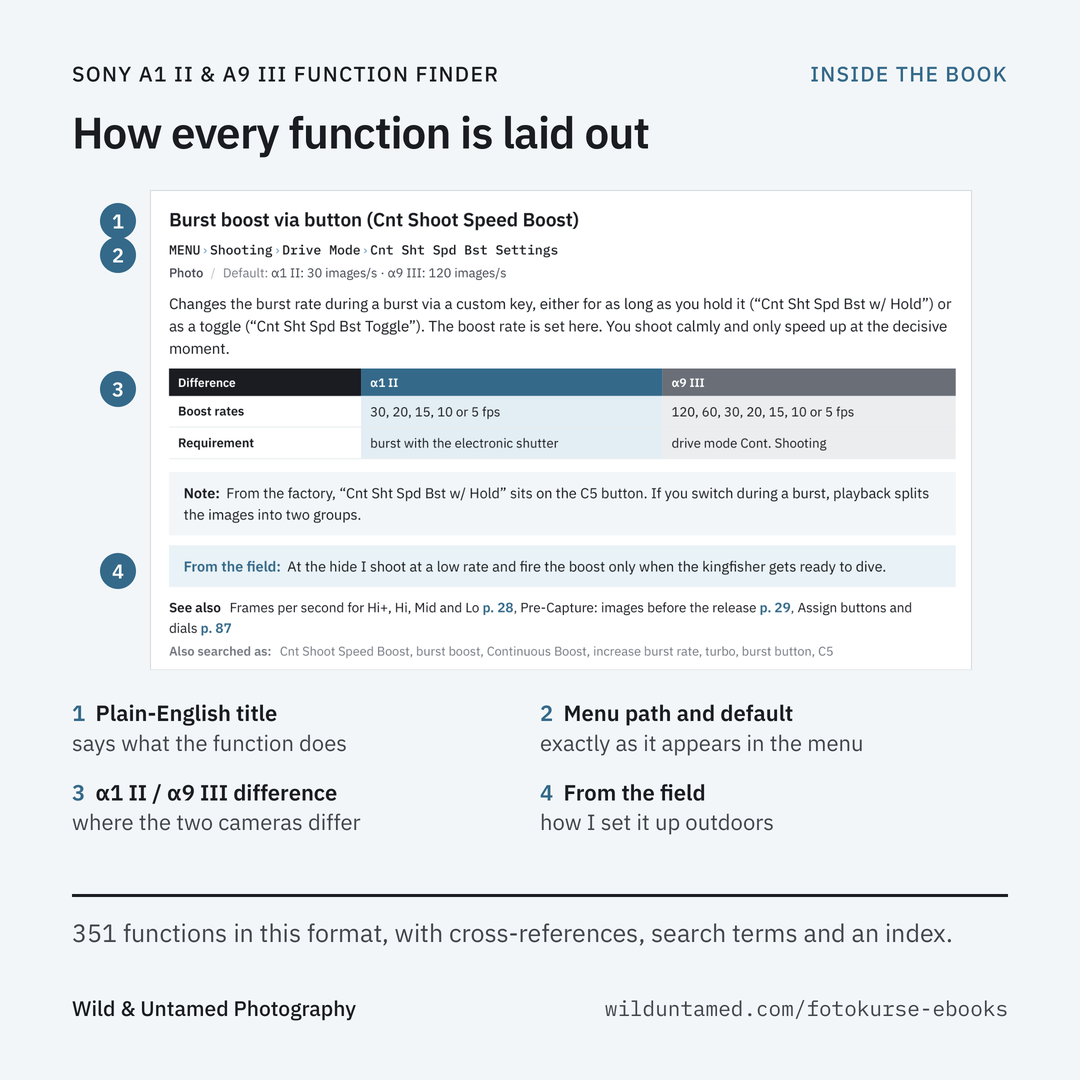 Bild 3 von 8
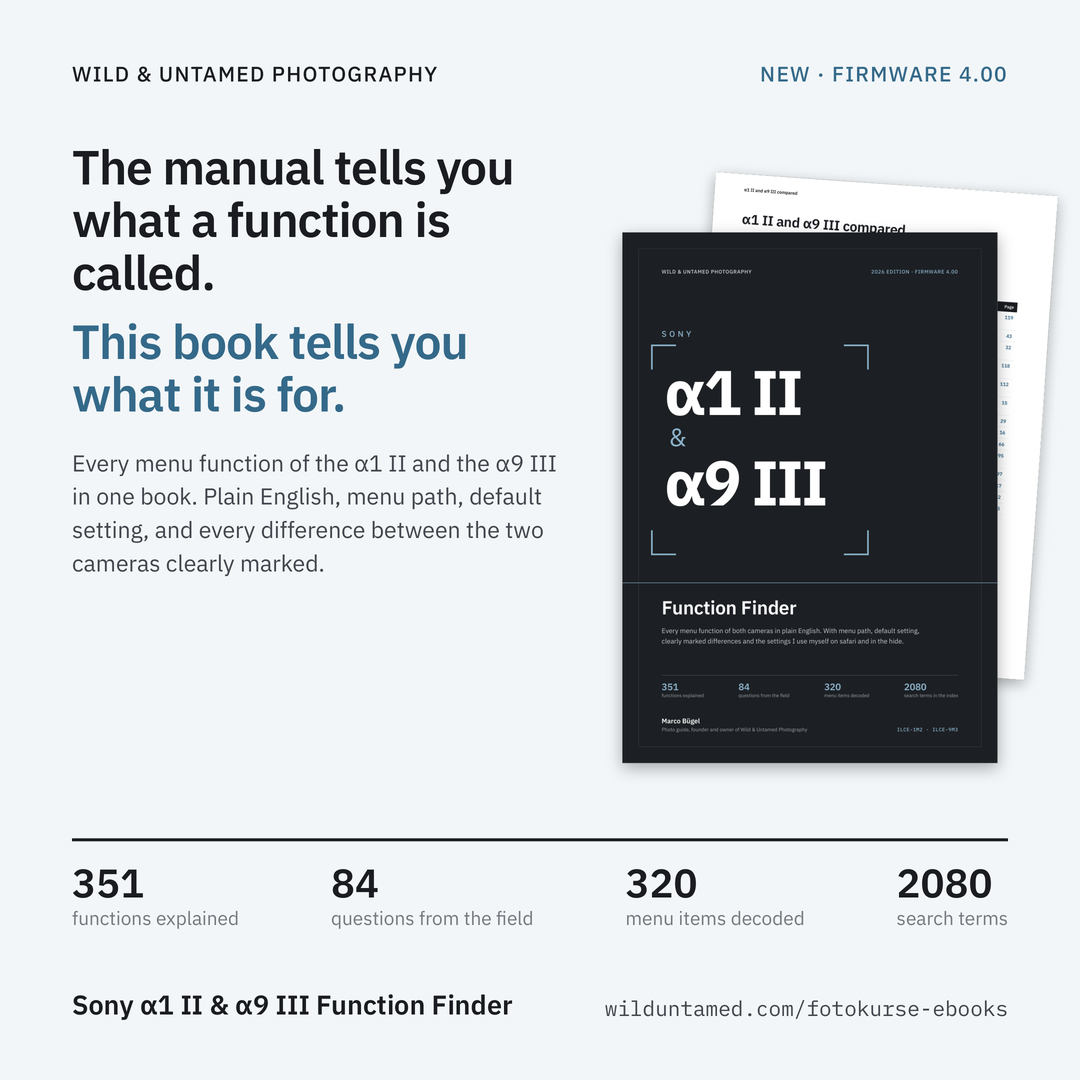 Bild 4 von 8
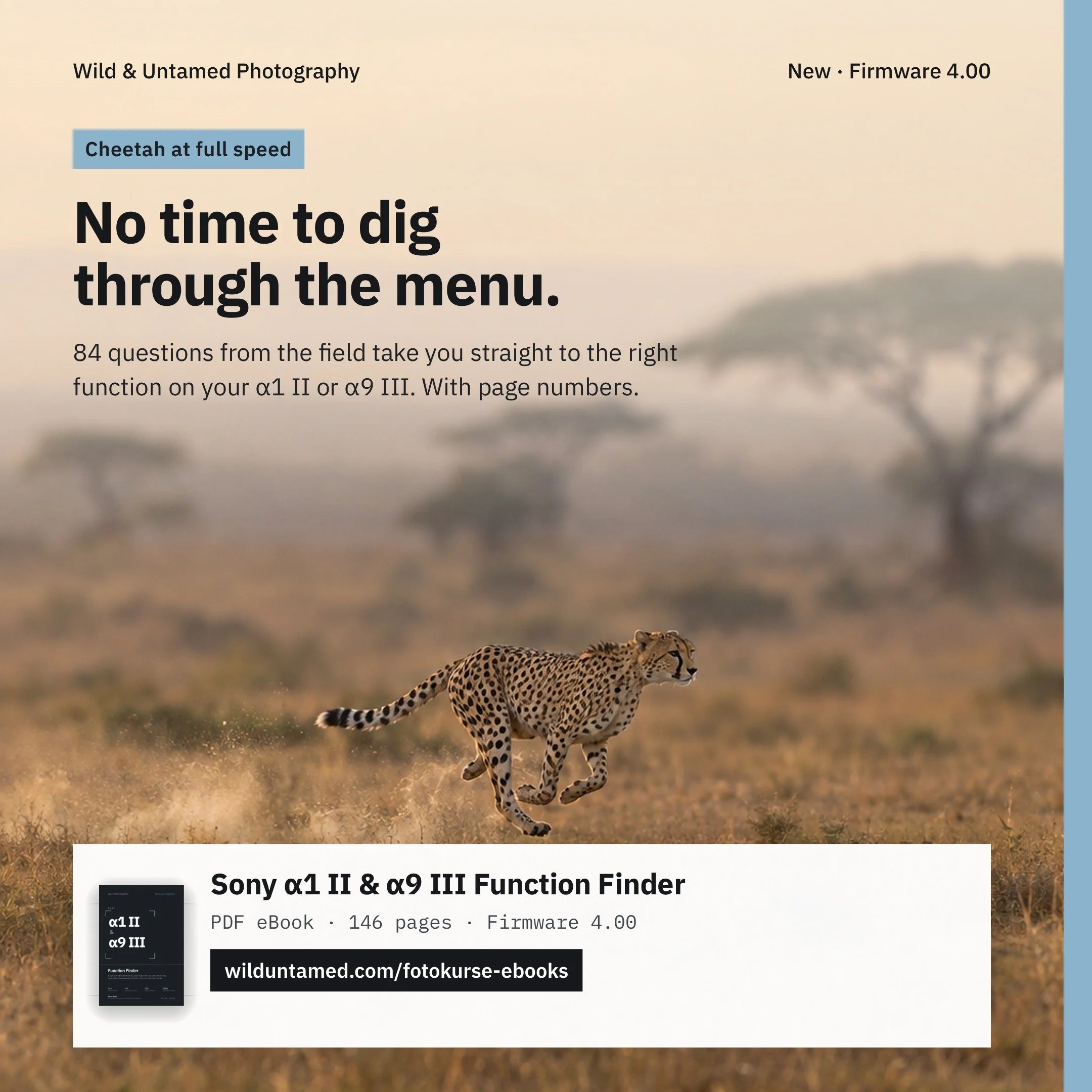 Bild 5 von 8
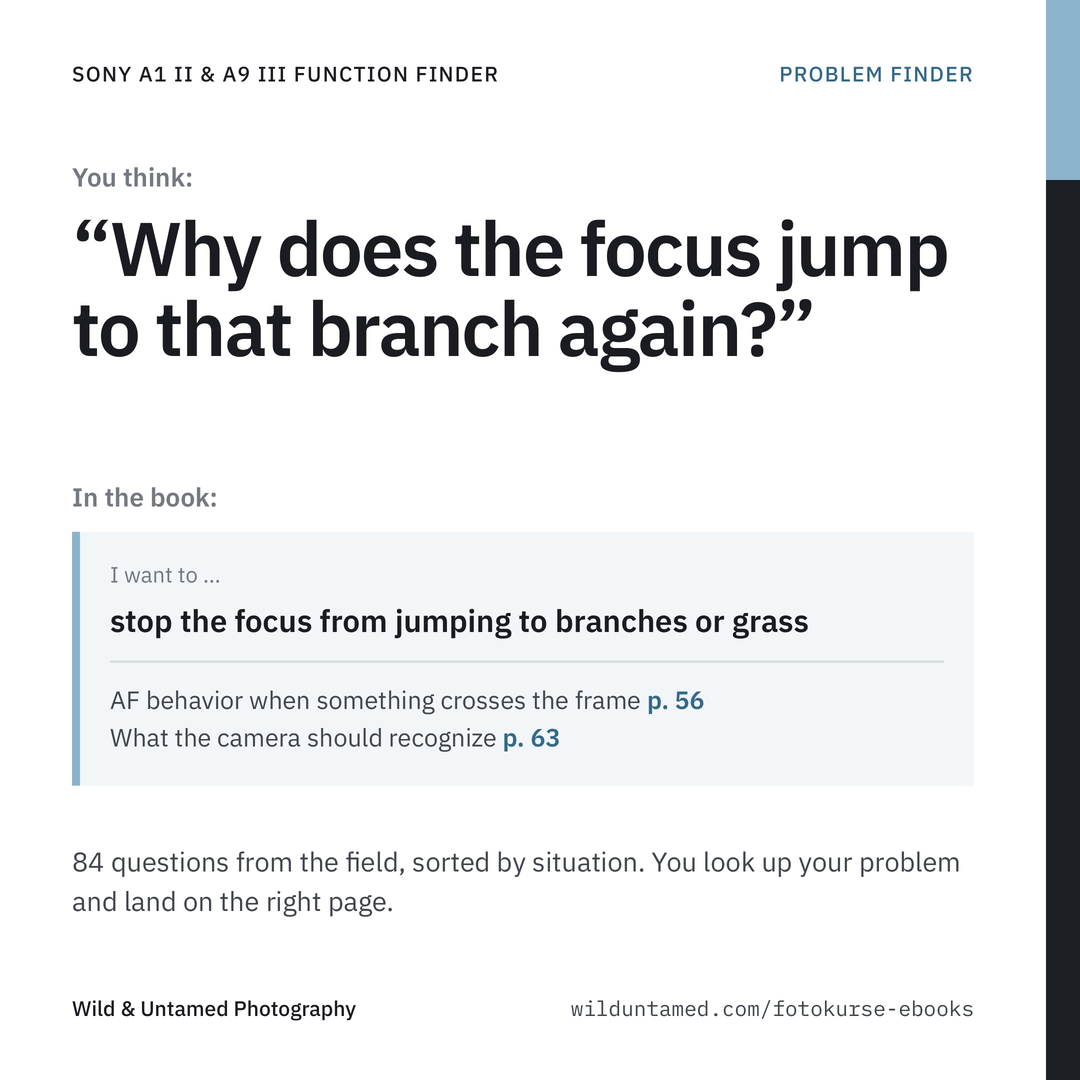 Bild 6 von 8
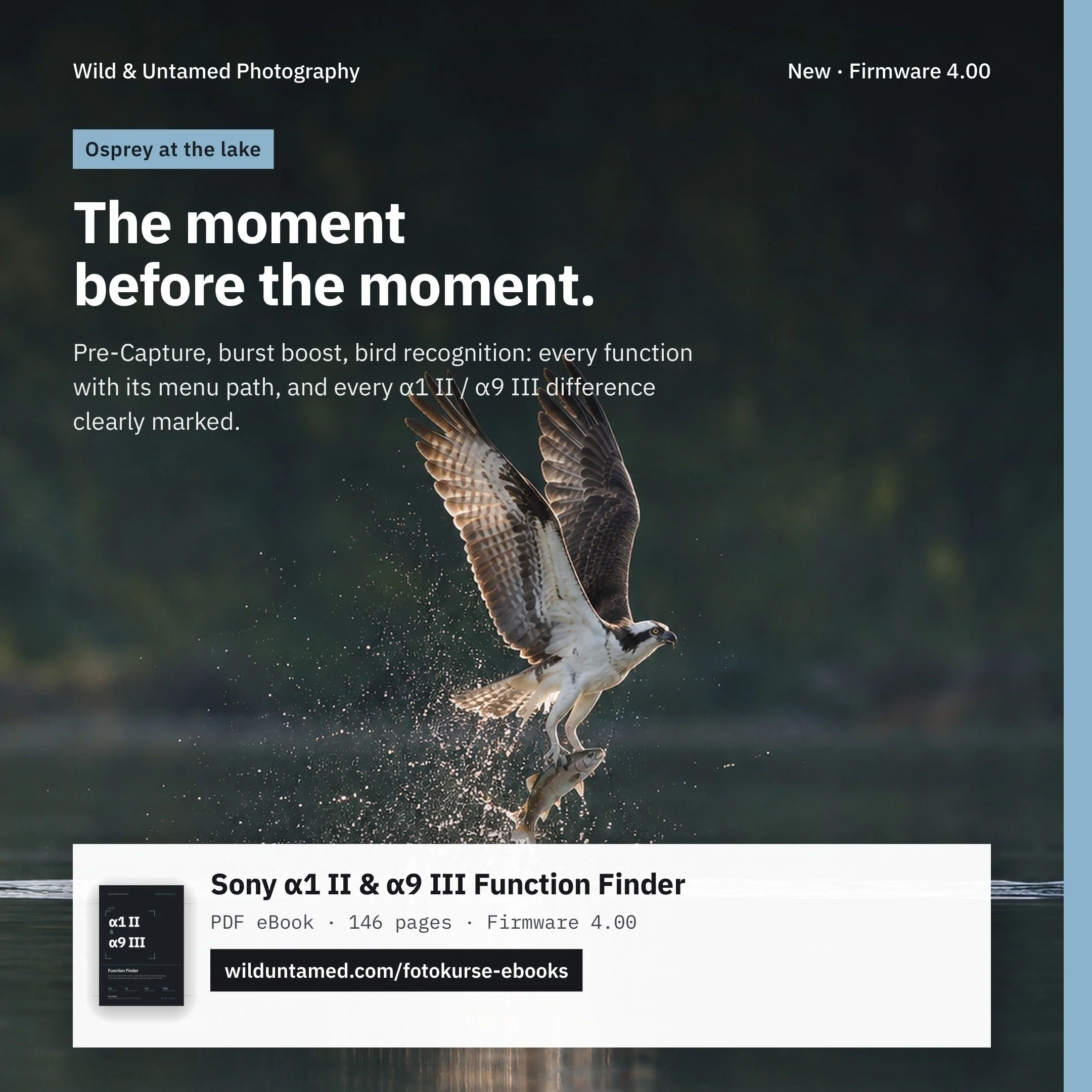 Bild 7 von 8
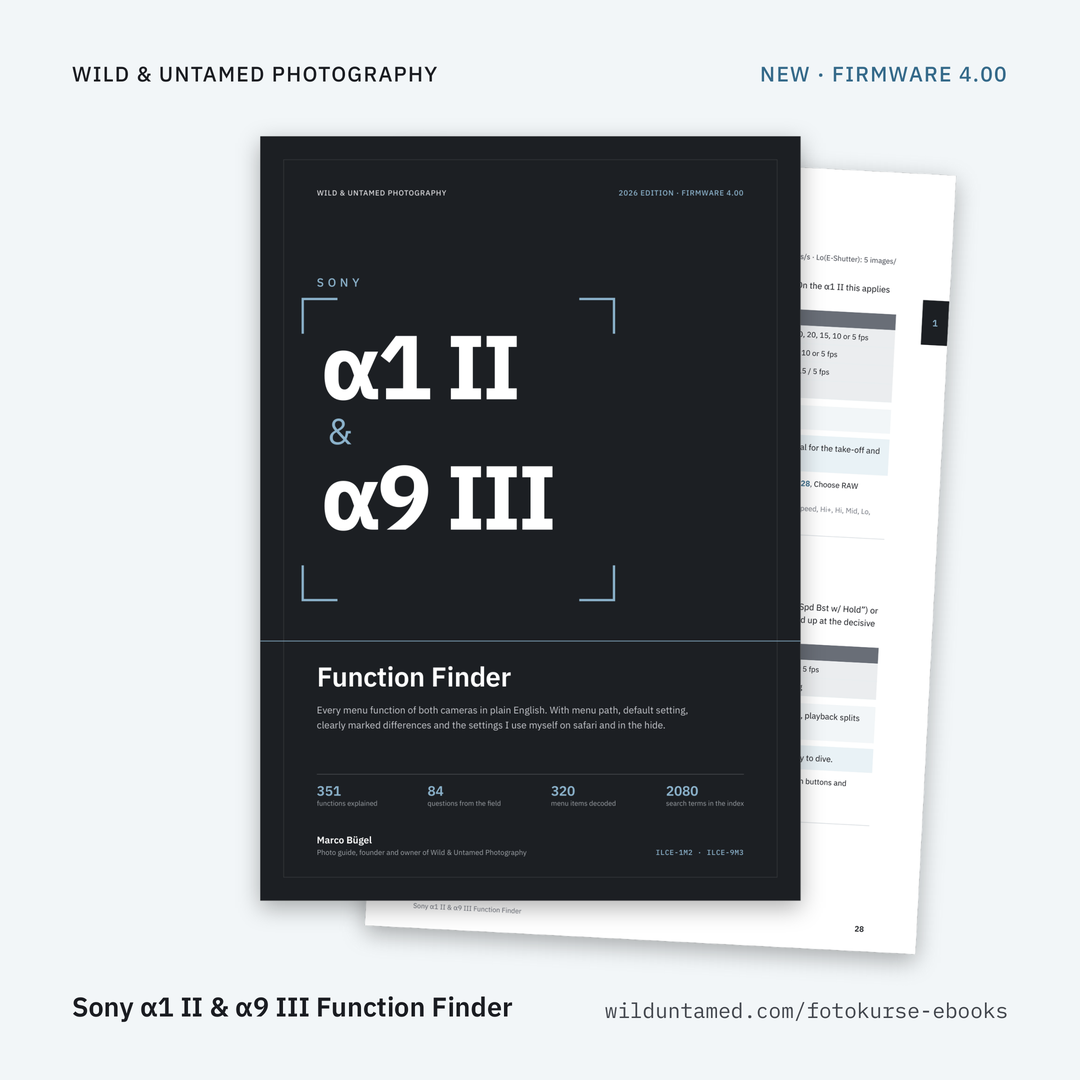 Bild 8 von 8